Digitise your shooting result sheets
The printout from the scoring machine or electronic range usually ends up in a folder. Photograph it instead: Shotmetrix reads series and single shots with decimals and positions, and many sheets add up to an analysis that shows how your shooting develops.
How it works
- Photograph the sheetLay it flat, fully in frame, easy to read. A two-page sheet goes in one go.
- Upload or email itUpload it in Shotmetrix – or send it as an attachment to your personal submission address.
- Check and saveThe values read are shown next to the sheet. Anything wrong you fix in the editor.
What the sheet turns into
- Single shots with decimals, series and total
- The shots on the target, if the sheet prints their positions
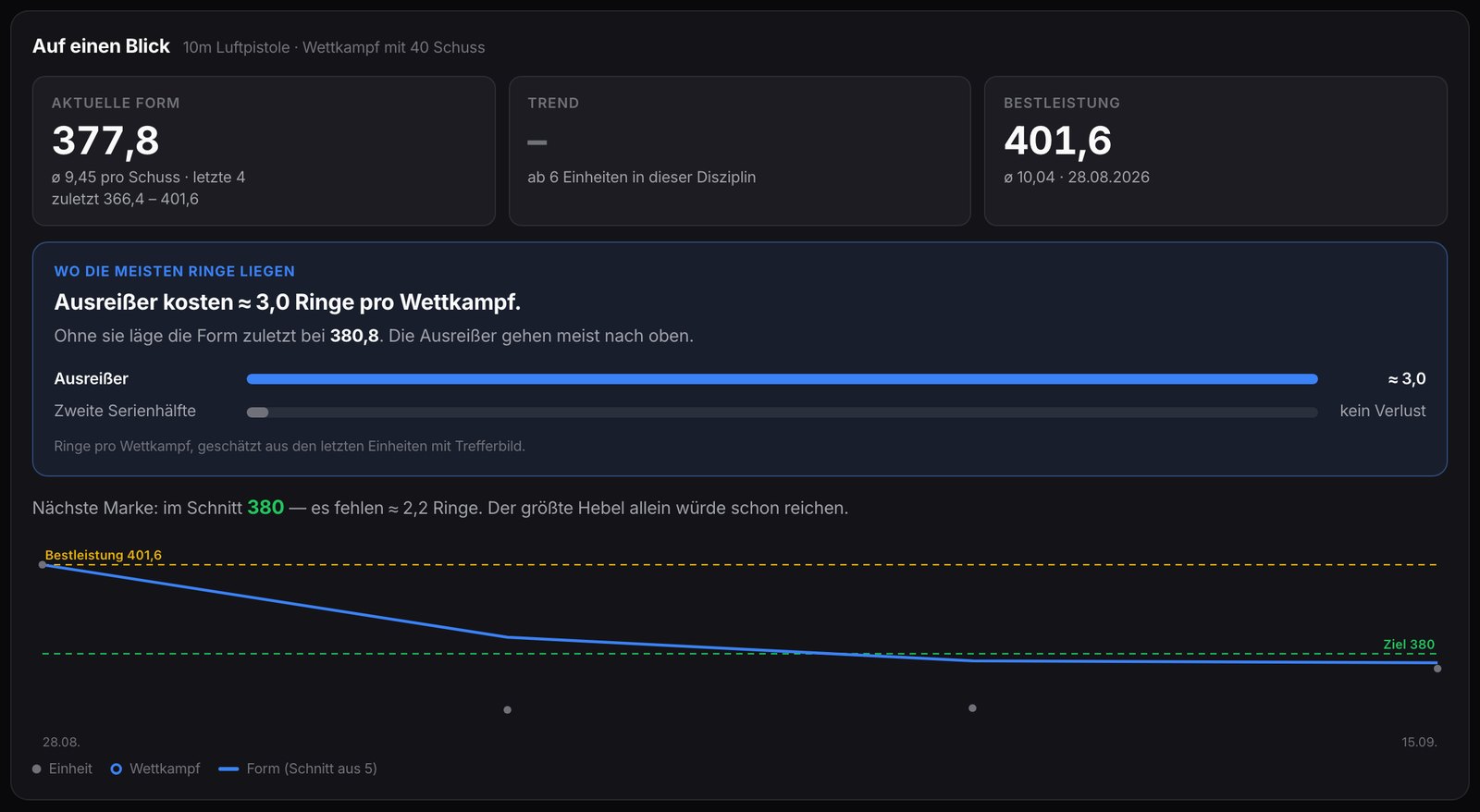
- Average, personal best and trend across all sheets
- An entry in your shooting log – private or shared, your choice
QR code instead of a photo
Electronic ranges such as Sport Quantum print or display a QR code. Scan it and the result is in within seconds – with no reading errors.
For competitions
Online competitions on Shotmetrix score submitted result sheets automatically. The ranking updates live.
Frequently asked
- Which result sheets can be read?
- Printouts from scoring machines and electronic ranges with series or single shots. If a sheet has an unusual layout, check the values after uploading and correct them in the editor.
- Can I send a result sheet by email?
- Yes. Every account has a personal submission address; photos or PDFs attached are processed like an upload.
- What happens to the original photo?
- It is stored unchanged so every score can be traced. Whether the result is public is up to you.
See also
Digitise your first sheet
Create a free account, upload a photo – series and shots are there within seconds.
Sign up freeSign in